
Service definition
A key link in network communication, responsible for the efficient forwarding and processing of data packets.

Distributed digital infrastructure
BUILD THE NETWORK · UNLOCK THE COMPUTE
From IP nodes to intelligent compute, edge content delivery and distributed storage: one unified, schedulable network of node resources.
NODERA UK LIMITED · Registered in the United Kingdom
A network service built on the Internet Protocol that forwards and processes data packets. Through IP nodes, data travels efficiently across complex network environments, so information arrives quickly and accurately.
Keeping the network stable · Improving the user experience

A key link in network communication, responsible for the efficient forwarding and processing of data packets.
Widely used in corporate networks, gaming and e-commerce, supporting large-scale data exchange.
The core of modern network architecture, driving the prosperity of the digital economy.
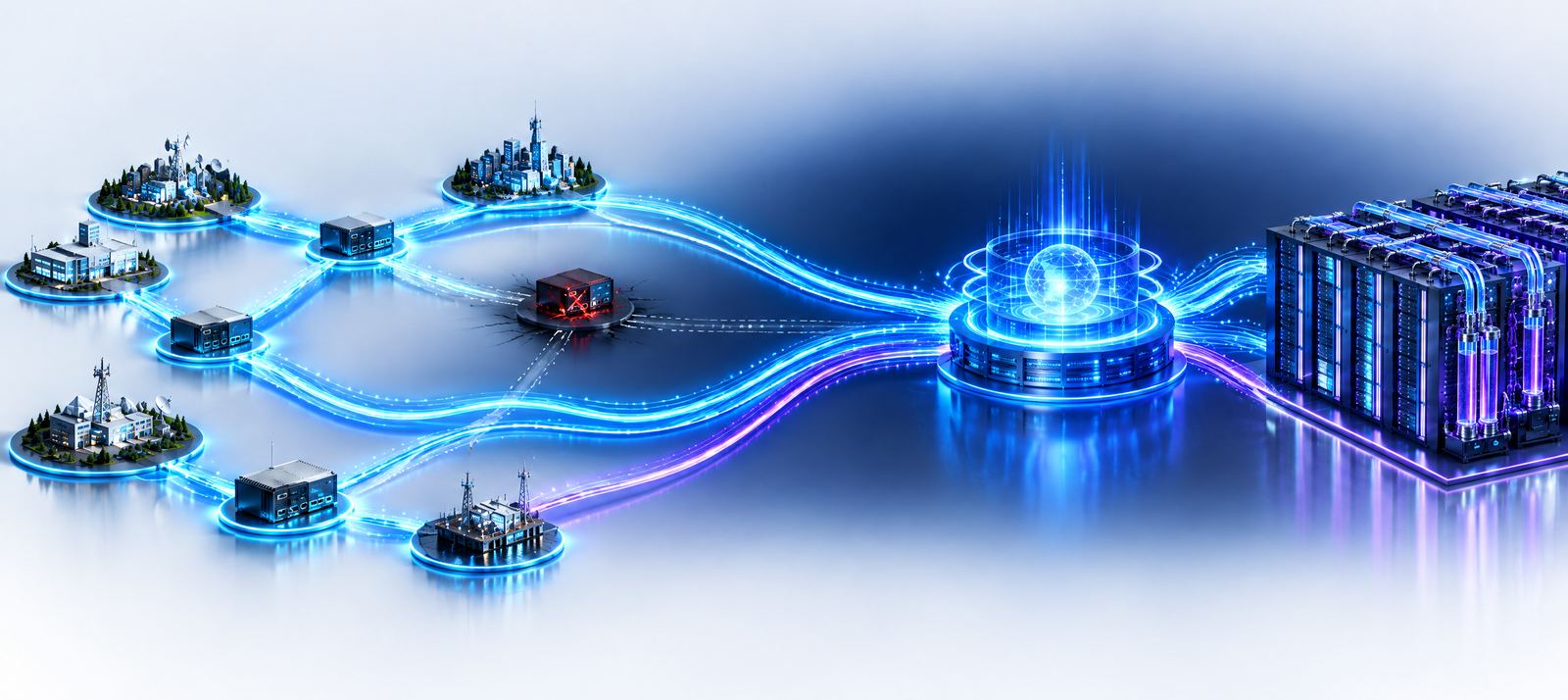
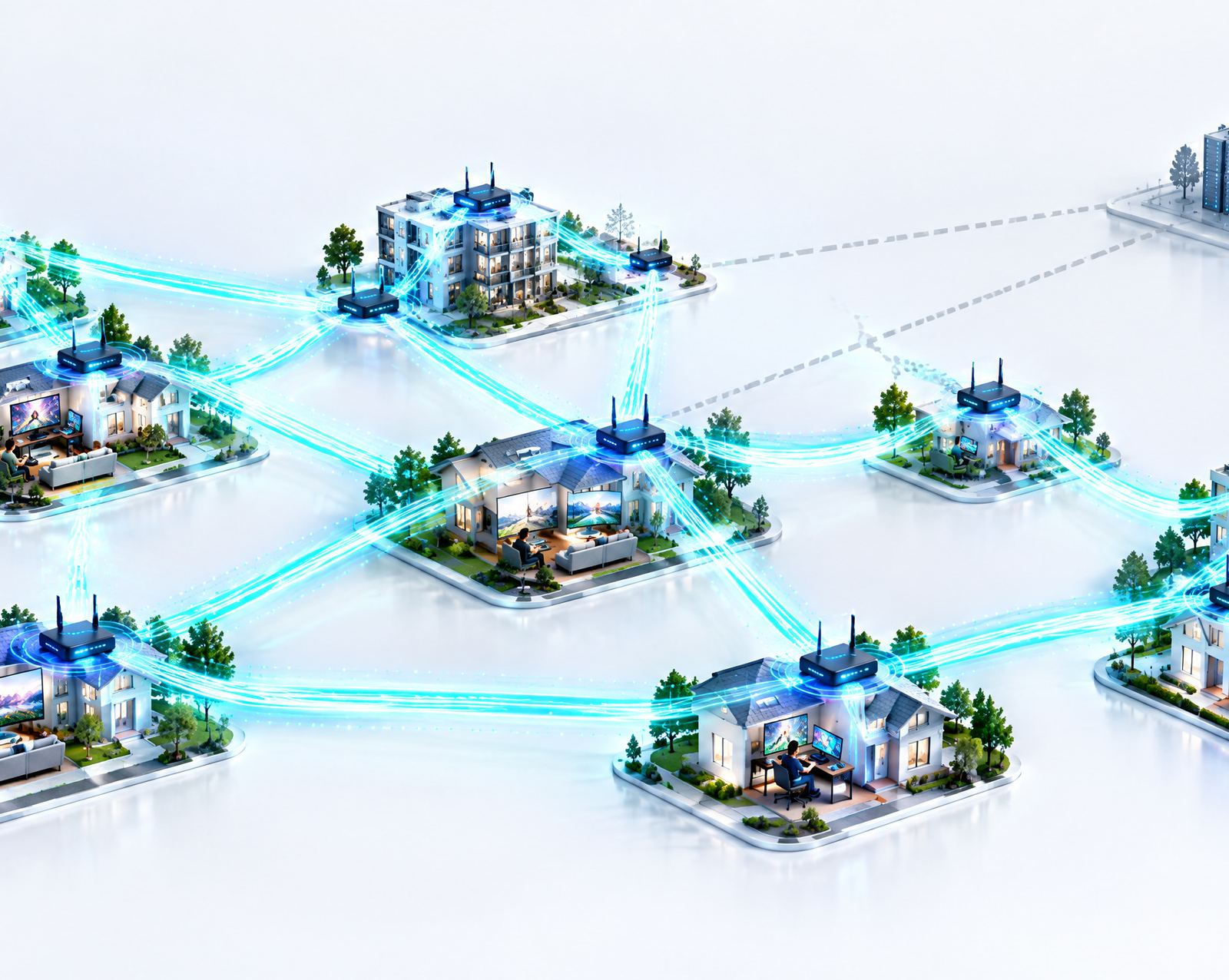
Spreading IP addresses across many nodes in different locations not only improves users' access experience markedly, it gives enterprise applications an unshakeable underlying network guarantee.
When a user requests content, it can be fetched from a nearby node, cutting latency and speeding up access noticeably.
Traffic is spread intelligently across many IP nodes, avoiding single-point overload and keeping the service stable under high concurrency.
If one node fails, the others take over seamlessly, keeping the service uninterrupted and lowering the risk of failure.
Source: “IP node services: building an efficient network ecosystem”
Individual merchants invest in IP servers and ports and earn through Quantum IP. Nodera supplies its partner Quantum IP with globally distributed IP addresses and takes a share of merchants' profit. Quantum IP serves gaming and entertainment, cross-border e-commerce and other sectors worldwide.
Merchants, Nodera and Quantum IP each get what they need, each playing to its strengths in the chain so that overall value is maximised.
Built on strong market demand and the technical advantages of distributed IP nodes, the earnings model is stable and sustainable over the long term.
The links of the ecosystem depend on and check one another, which effectively limits how much a swing in any one link affects the model as a whole.
A steady, mature line of business
Standardised node resources billed per use or per hour with high reuse, backed by nationwide multi-node deployment and a complete IP quality-inspection and risk-control system, give enterprises compliant operation and individuals privacy protection, contributing predictable, steady earnings.
The growth pole with explosive expansion
A diversified earnings structure of base rent plus revenue share, aimed at a compute market expected to exceed RMB 260 billion in 2026, seizing the AI compute boom through distributed resource integration.
As digitalisation accelerates worldwide, IP proxy services have evolved from an early niche tool into essential infrastructure that gaming, e-commerce, data collection and other sectors cannot do without.
Core drivers: diverse demand from gaming and entertainment, e-commerce, precise social-media marketing and intelligent data collection keeps surging.
Multiple accounts are easily banned; giving each account its own residential IP environment isolates network fingerprints and keeps accounts safe.
Case studies show teams running Alibaba shops lifting revenue by 10%.
High-frequency rotation of a dynamic IP pool mimics real users' natural browsing and avoids anti-scraping mechanisms.
Helps enterprises collect data and analyse markets stably and efficiently at the scale of a million requests a day.
IP proxies allow running several game instances for idle leveling, training and similar needs of game enthusiasts.
Also serves the complex verification and testing scenarios of game studios and labs.
Aggregates vast idle compute, breaks the monopoly on high-end AI compute, and gives AI training and inference cost-effective, elastic computing.
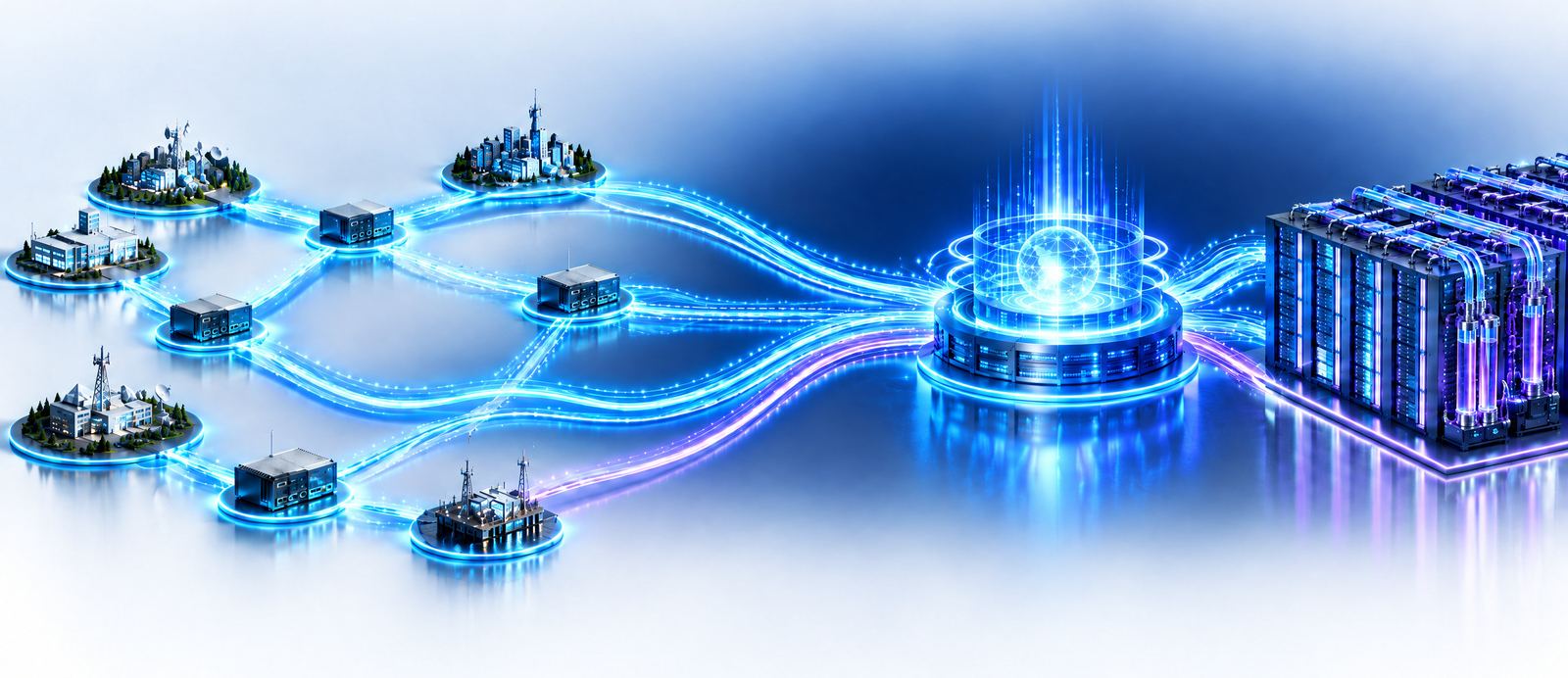
Over the past 12 months, token consumption by AI applications in China has grown far faster than the global average, becoming the core engine of global compute demand. Large models' consumption of compute is accelerating and has completely changed the traditional structure of compute demand.
Supply is highly concentrated, while on the demand side enterprise users hold an overwhelming lead.
The spread of AI applications drives exponential growth in compute demand.
Constrained by chip manufacturing, power supply and data-centre build cycles, supply grows far slower than demand.
The compute gap will surge to 1,200 EFLOPS, opening a certain and vast market for compute leasing.
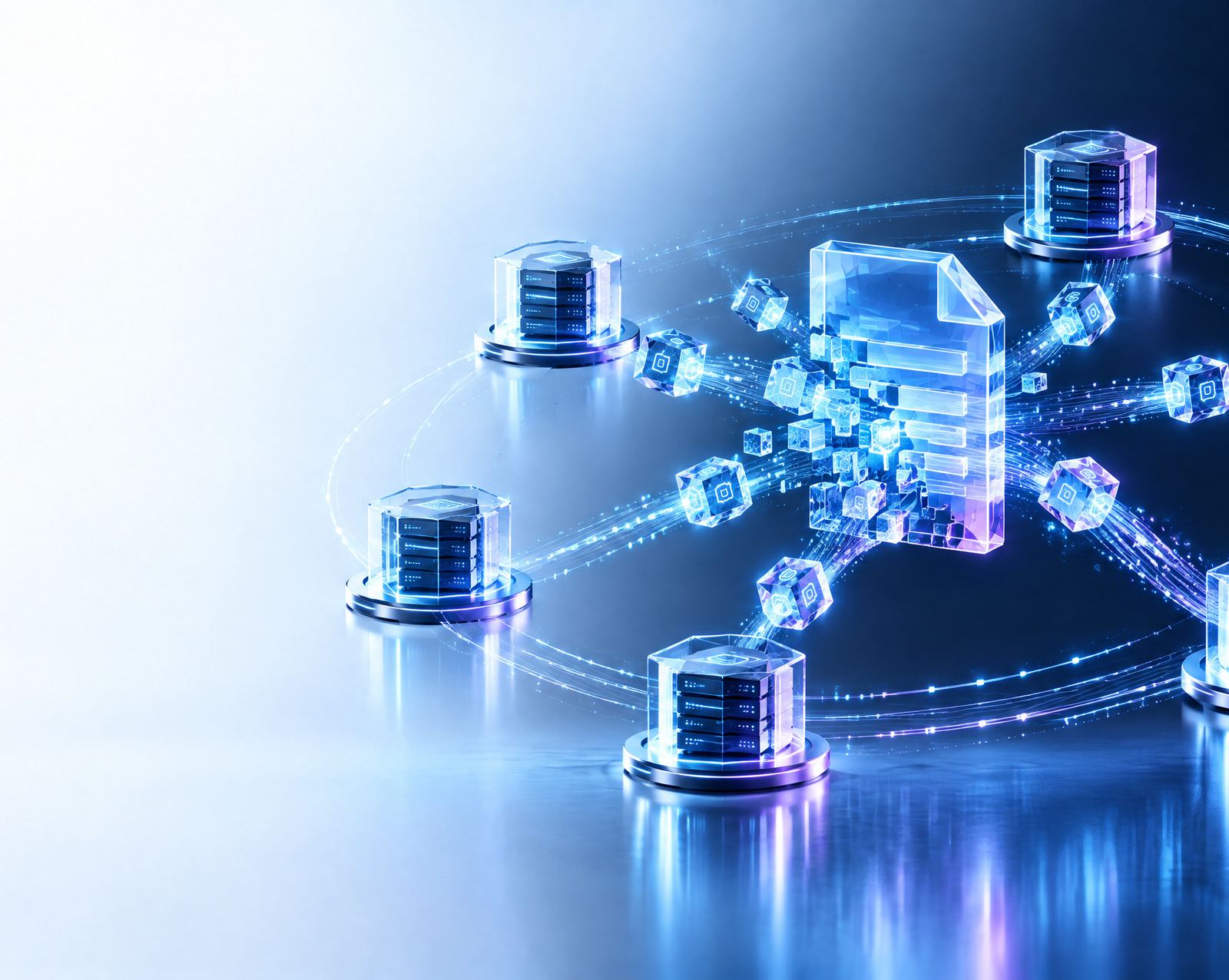
IPFS (the InterPlanetary File System) is a protocol suite for distributed content addressing and peer-to-peer data transfer.
One internet-connected device can hold many schedulable resources at once: IP, bandwidth, storage, CPU, GPU, memory and online hours. The platform identifies what a device currently has available and matches it to each task type, so distributed node resources are managed as one and used by scenario.
| Capability | Main resources used | Core role |
|---|---|---|
| IP nodes / IP proxy | Residential IP, network connectivity, regional nodes | Connectivity, proxying and regionalised network resources |
| PCDN | Bandwidth, cache, online hours | Content delivery, edge acceleration, traffic offload |
| IPFS | Storage, bandwidth, P2P nodes | Distributed content addressing, storage and transfer |
One registered email is one Nodera main account. A machine is identified by its machine code and can bind several terminals within its quota; each terminal is unlocked by one activation card.
Download the Windows installer and run it. It installs into your user folder; no administrator rights needed.
Register with your email and sign in. After the first sign-in, this computer is bound as your trusted device, so the same machine can sign in directly from then on.
Buy an annual, quarterly or monthly activation card in the app, priced in USDT at the in-app rate. Once the card key and machine code are verified, the terminal is activated.
Download the Windows client and put this machine to work on the Nodera network.
Together, towards a new digital economy